# CLM breakout tool
**URL:** https://forum.networklessons.com/t/clm-breakout-tool/48687
**Category:** Network Design
**Created:** [June 15, 2024, 5:57pm UTC](https://forum.networklessons.com/t/clm-breakout-tool/48687 "2024-06-15T17:57:04Z")
**Posts on this page:** 2
**Page:** 1
### Author:  [@brandubh628](https://forum.networklessons.com/u/brandubh628)
#### Post date: [June 15, 2024, 5:57pm UTC](https://forum.networklessons.com/t/clm-breakout-tool/48687/1 "2024-06-15T17:57:05Z")
Hello, if you are working with CML maybe you find the console window below the topology lab in CML not handy or easy to manage. CML uses the ‘Break Out Tool’.
> **[Breakout Tool Overview - Cisco Modeling Labs v2.10 - Cisco DevNet](https://developer.cisco.com/docs/modeling-labs/2-6/breakout-tool-overview/)**
>
> Breakout Tool Overview - Documentation for Cisco Modeling Labs (CML) version 2.10.x
Youtube: [https://www.youtube.com/watch?v=tfAsXmT0vQA](https://www.youtube.com/watch?v=tfAsXmT0vQA) or [https://www.youtube.com/watch?v=pHb9sC-k5Ss](https://www.youtube.com/watch?v=pHb9sC-k5Ss)
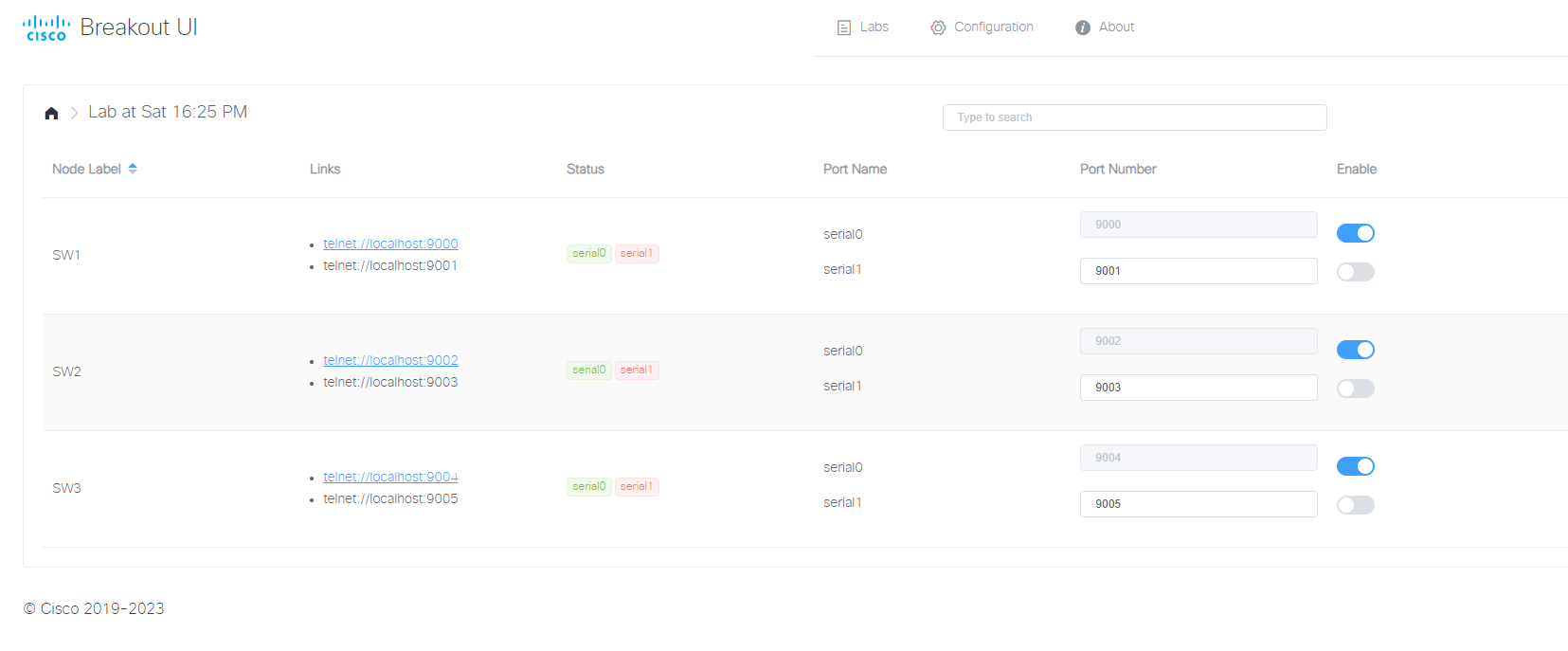
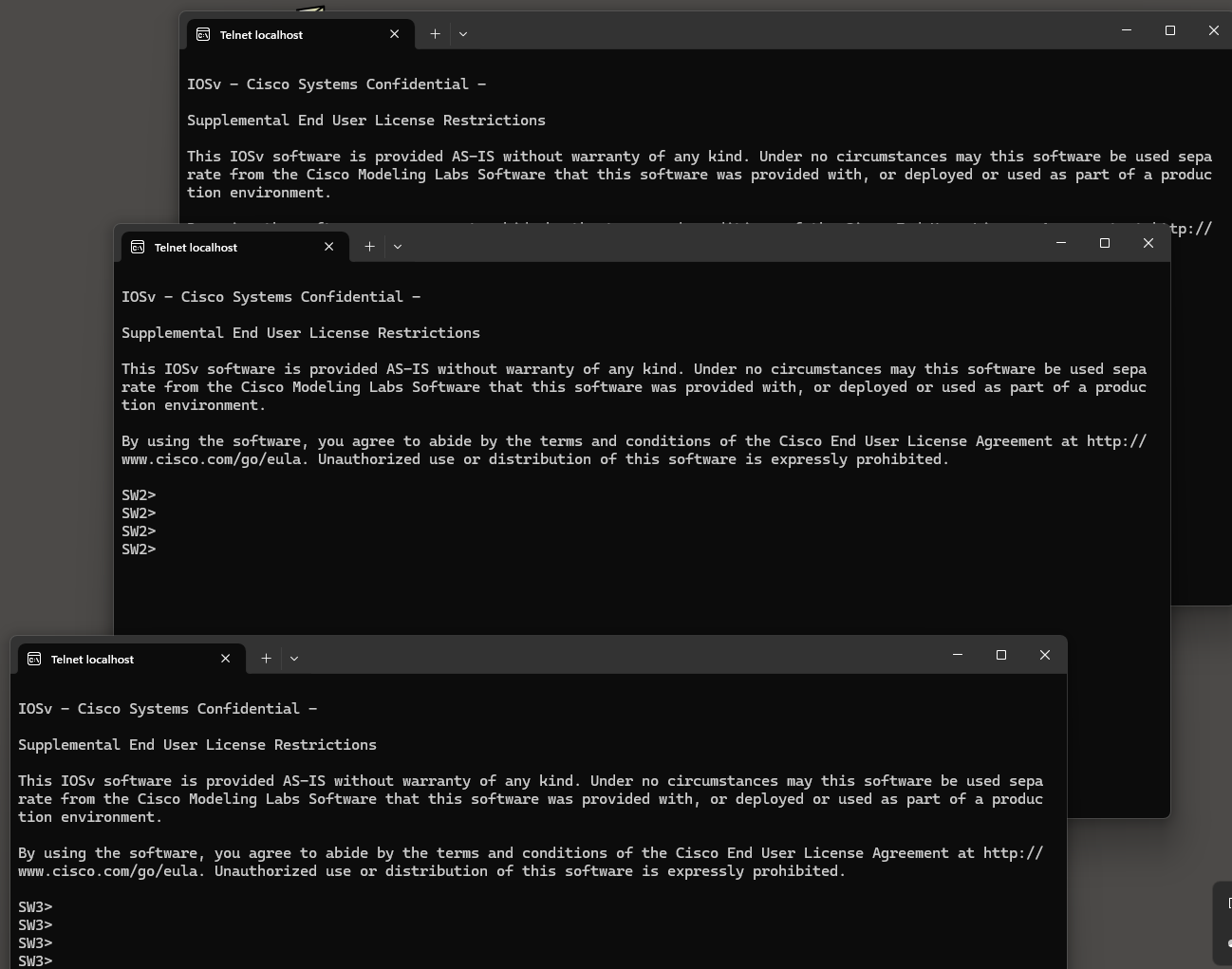
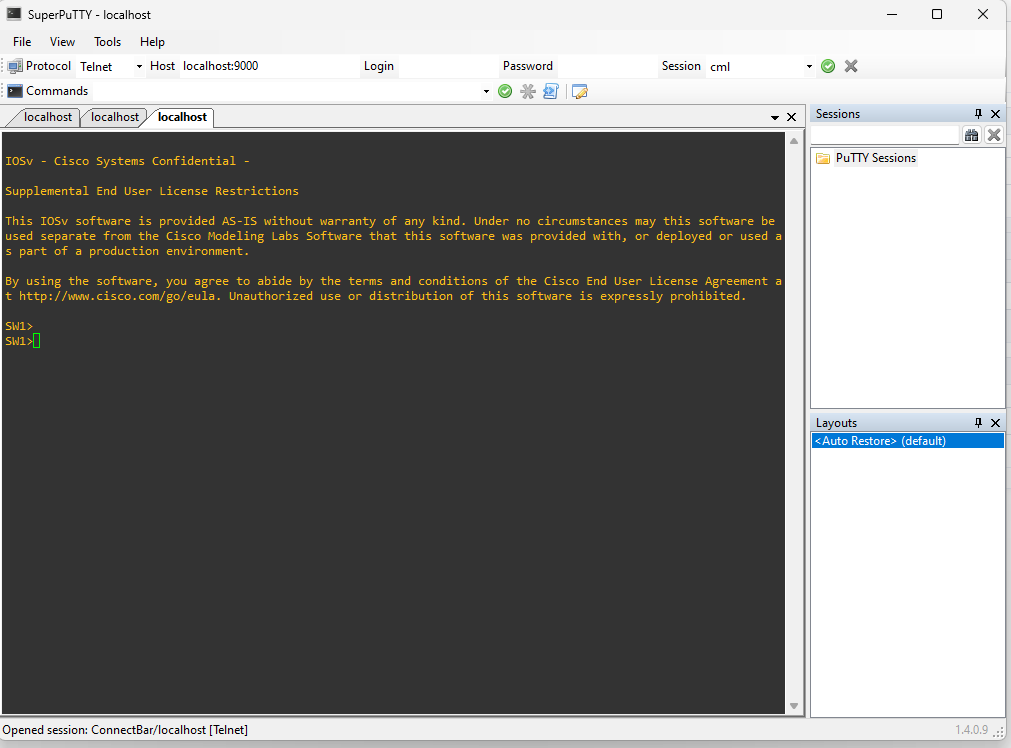
If you want the same experience as the Solar PuTTY client in GNS (tabs) use Putty and install Super Putty after you installed Putty and point to the location of Putty.exe. See screenshots.
---
### Author:  [@lagapidis](https://forum.networklessons.com/u/lagapidis)
#### Post date: [June 19, 2024, 6:39am UTC](https://forum.networklessons.com/t/clm-breakout-tool/48687/2 "2024-06-19T06:39:49Z")
Hello Michel
Thanks for this information, it’s useful for the community! Thanks for contributing!
Laz