# Drawing software
**URL:** https://forum.networklessons.com/t/drawing-software/1737
**Category:** General
**Created:** [May 16, 2017, 7:37pm UTC](https://forum.networklessons.com/t/drawing-software/1737 "2017-05-16T19:37:44Z")
**Posts on this page:** 2
**Page:** 1
### Author:  [@pkiani113](https://forum.networklessons.com/u/pkiani113)
#### Post date: [May 16, 2017, 7:37pm UTC](https://forum.networklessons.com/t/drawing-software/1737/1 "2017-05-16T19:37:44Z")
Hi Rene,
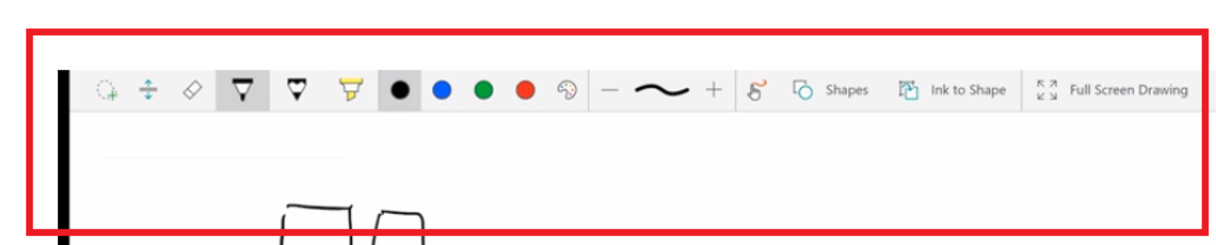
Can you please tell me what is the name of the below paint software which you are using?
Many thanks
---
### Author:  [@ReneMolenaar](https://forum.networklessons.com/u/ReneMolenaar)
#### Post date: [May 19, 2017, 8:23am UTC](https://forum.networklessons.com/t/drawing-software/1737/2 "2017-05-19T08:23:16Z")
This is Onenote, the free version that comes with WIndows 10. I use it on my Surface Pro 4 as an alternative to the camera and whiteboard…one of the advantages of onenote is that it’s easy to draw / move stuff around.